Introduction
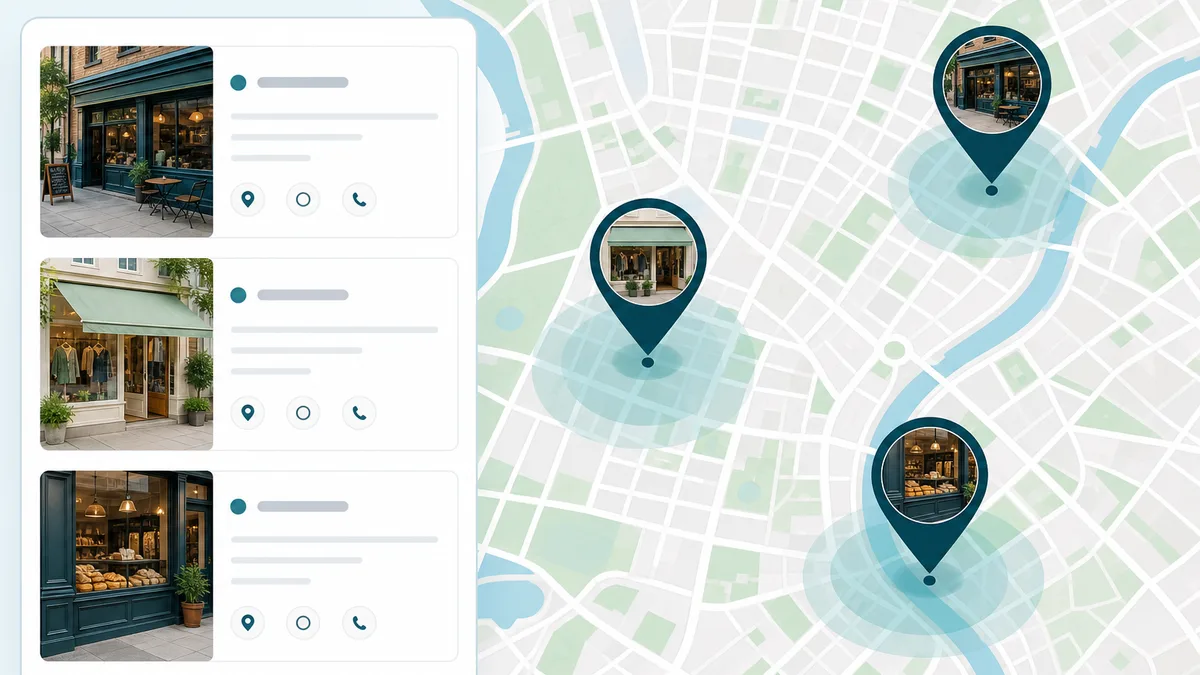
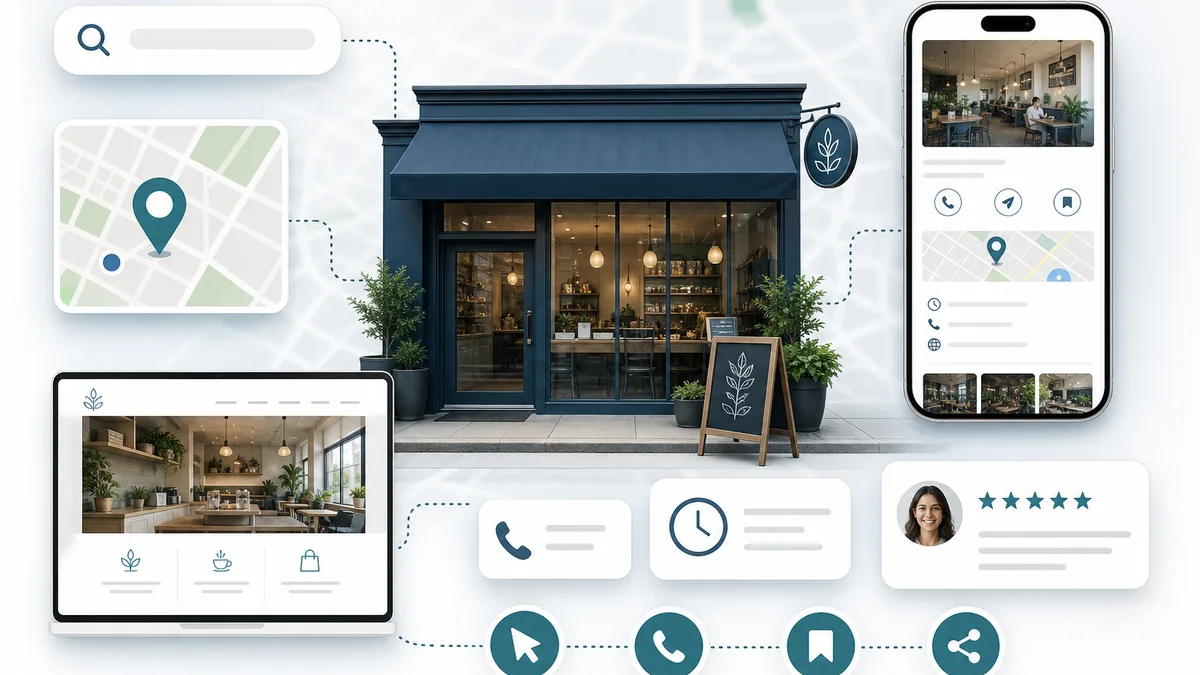
Google Business Profile is one of the most important tools for businesses that want to improve their visibility in local search. When people search for nearby services or businesses, the information displayed in Google Search and Google Maps often comes directly from a company's Business Profile.
A well-managed profile helps potential customers quickly understand what a business offers, where it is located, when it is open, and how they can get in touch. It also gives Google additional information that can help determine when a business is relevant for local searches.
However, creating a profile is only the beginning. Long-term visibility depends on keeping information accurate, maintaining the profile over time, and supporting it with a quality website and consistent Local SEO practices.
This guide explains how Google Business Profile optimization works and outlines practical steps businesses can take to improve the quality and usefulness of their profile.
What Is Google Business Profile?
Google Business Profile is a free business listing that allows companies to manage how their information appears across Google Search and Google Maps.
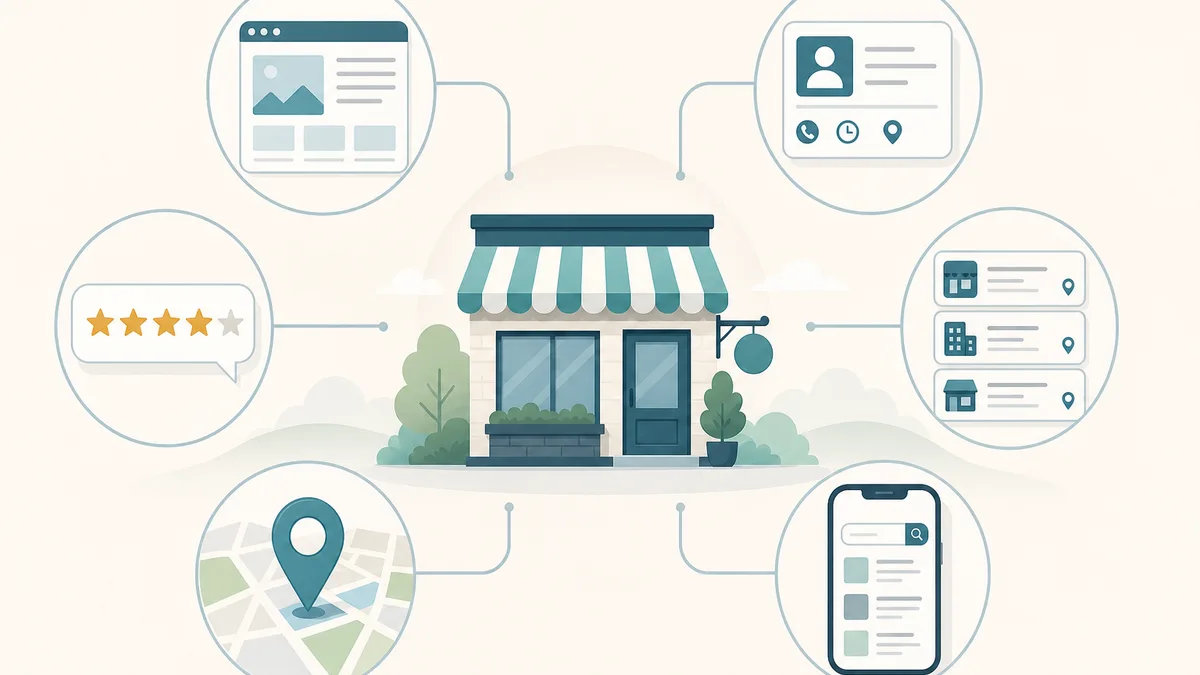
Depending on the type of business, a profile may display information such as:
- Business name
- Address
- Service areas
- Phone number
- Website
- Business hours
- Services
- Photos
- Customer reviews
- Questions and answers
- Business updates
The profile serves two important audiences.
First, it helps customers quickly find accurate information before deciding whether to contact or visit a business.
Second, it provides Google with structured business information that supports local search understanding.
A Business Profile should always reflect the real business rather than attempting to include unnecessary keywords or promotional language.
 Local SEO Wiser
Why Google Business Profile Matters for Local SEO
Local SEO aims to connect businesses with nearby customers who are actively searching for products or services.
Google Business Profile supports this goal by providing clear business information directly within Google's ecosystem.
When someone searches for phrases such as:
- plumber near me
- dentist in Pittsburgh
- accountant in Shadyside
- pet grooming near me
Google compares many signals before deciding which businesses to display.
Business Profile information becomes one of those important signals.
Although a profile alone does not guarantee visibility, it helps Google understand:
- What the business does
- Where it operates
- Which services it offers
- Whether customers interact with it
- Whether information remains accurate
The profile also improves the customer experience by displaying useful details without requiring users to visit multiple websites.
How Google Uses Business Profile Information
Google attempts to build confidence that a business is legitimate, relevant, and useful for searchers.
Business Profile information is evaluated alongside many other signals, including:
- Website content
- Reviews
- Local citations
- Structured data
- Business website
- Internal linking
- Overall website quality
The information provided through the profile should match what customers find elsewhere online.
For example:
- Business name should be consistent.
- Address should match official records.
- Phone numbers should be current.
- Website links should work correctly.
- Business hours should remain accurate.
Consistency reduces confusion for both search engines and customers.
Choosing the Right Business Category
One of the most important optimization decisions is selecting an appropriate primary business category.
The primary category tells Google what the business mainly does.
For example:
- Dentist
- Accountant
- Roofing contractor
- Pet groomer
- Electrician
The chosen category should accurately represent the company's primary service rather than targeting additional keywords.
Primary Category
The primary category carries significant relevance because it helps Google understand the business's core purpose.
Businesses should avoid choosing categories simply because competitors use them or because they appear popular.
Instead, select the category that best reflects the main service customers expect.
Additional Categories
Additional categories can describe secondary services when they genuinely exist.
For example, a veterinary clinic may also offer pet grooming or boarding services.
However, unnecessary categories can make the business appear less focused.
Only select categories that accurately represent real services offered to customers.
 Local SEO Wiser
Writing an Effective Business Description
The business description provides an opportunity to explain the company in a clear and helpful way.
A good description should explain:
- What the business does
- Who it serves
- Which locations it covers
- What makes the company different
- How customers can learn more
Descriptions should remain natural and informative.
Avoid filling the description with repeated keywords or unsupported marketing claims.
The goal is to help customers understand the business rather than impress search engines.
Selecting Accurate Services
The services section helps explain exactly what a business offers.
Each listed service should represent a genuine offering rather than an attempt to include every possible keyword variation.
Service names should be easy for customers to understand.
Where appropriate, short descriptions can explain:
- What the service includes
- Who it is intended for
- Common situations where customers may need it
Businesses should review their services regularly to ensure they remain accurate as offerings change over time.
Avoid Generic Service Lists
Long lists of nearly identical services rarely improve the customer experience.
Instead, focus on the services that customers genuinely request and that accurately reflect the business.
Clear information is more valuable than quantity.
Managing Business Information
Customers rely on business information before deciding to call, visit, or request a quote.
Every important detail should remain current, including:
- Business name
- Address
- Phone number
- Website
- Email address (where applicable)
- Business hours
- Appointment information
Even small inconsistencies may create confusion.
Whenever the business changes location, phone numbers, or opening hours, the profile should be updated as soon as possible.
Keep Information Consistent
Business information should match the website and other trusted online sources.
Consistency helps customers recognise the business and supports Google's understanding of the company.
Service Areas vs Physical Locations
Not every business serves customers in the same way.
Some businesses welcome visitors to a physical location, while others travel directly to customers.
Google Business Profile allows businesses to represent these different models appropriately.
Physical Locations
Businesses with a public office or storefront should provide the correct address and opening hours.
Customers should be able to visit the location during the stated business hours.
Service-Area Businesses
Mobile businesses should define the areas they genuinely serve.
They should avoid creating fictional offices or claiming addresses where they are not present.
Customers should understand whether the business comes to them or expects them to visit a physical location.
Business Hours and Special Hours
Accurate business hours improve customer experience.
Incorrect opening times often lead to frustration and missed opportunities.
Businesses should keep both regular hours and holiday schedules up to date.
Special hours should be updated whenever public holidays or temporary schedule changes occur.
If appointments are required, that information should also be clearly communicated.
Photos That Build Trust
Photographs help customers understand what they can expect before contacting a business.
Useful images may include:
- Office or storefront
- Team members
- Service vehicles
- Equipment
- Products
- Completed work
- Interior spaces
Use Authentic Images
Whenever possible, use genuine photographs of the business.
Authentic images create stronger trust than generic stock photography pretending to represent the business.
Photos should remain clear, current, and professional.
 Local SEO Wiser
Customer Reviews and Responses
Reviews help potential customers understand the experiences of previous clients.
Businesses should encourage satisfied customers to leave honest feedback after genuine interactions.
Reviews should never be purchased or fabricated.
Respond Professionally
Replying to reviews demonstrates that a business values customer feedback.
Positive reviews can be acknowledged with appreciation.
Negative reviews should be handled politely and professionally without sharing private customer information.
Future customers often read responses as carefully as the reviews themselves.
Google Posts
Google Posts allow businesses to publish updates directly within their Business Profile.
Useful post topics include:
- New services
- Company updates
- Seasonal announcements
- Community events
- Educational content
Posts should provide useful information rather than repeating promotional messages.
Questions and Answers
Customers often have similar questions before contacting a business.
The Questions and Answers section can help address common concerns.
Examples include:
- Appointment availability
- Parking
- Service areas
- Payment options
- Consultation process
Businesses should review this section regularly and provide accurate answers when appropriate.
Products and Services
Some businesses can showcase products directly within their Business Profile.
Where applicable, products should include:
- Name
- Description
- Category
- Photograph
Information should remain accurate and reflect actual offerings.
Common Google Business Profile Mistakes
Many businesses unintentionally reduce the effectiveness of their profile.
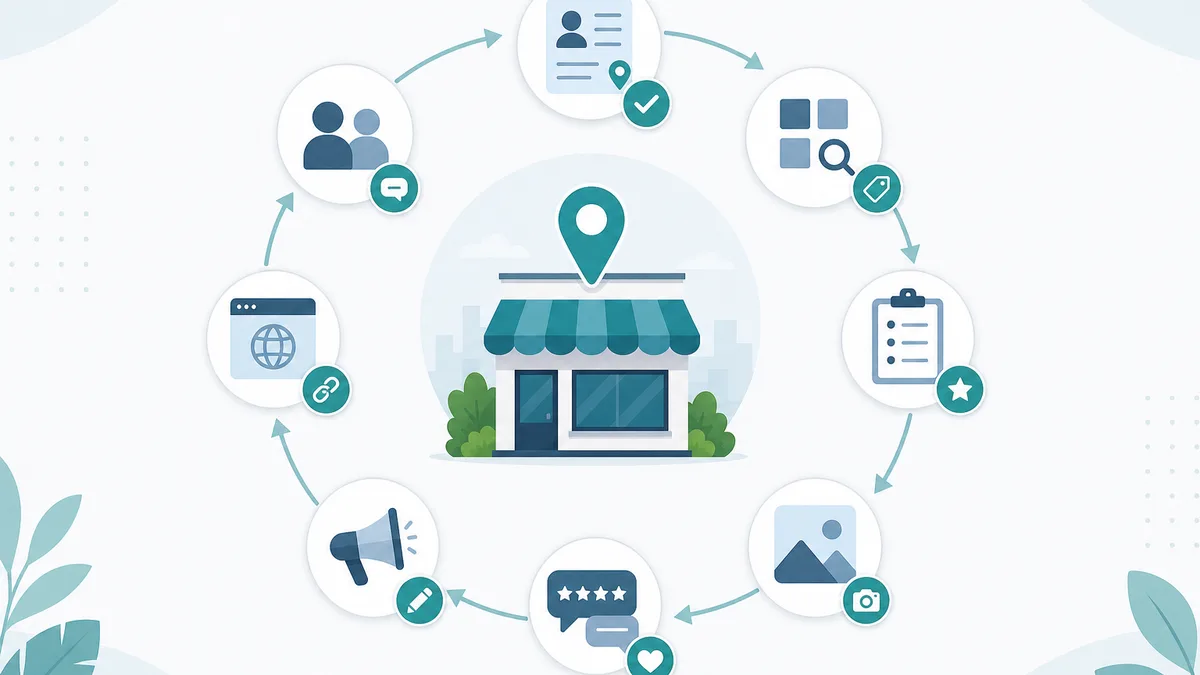
Common mistakes include:
- Incomplete information
- Incorrect business categories
- Outdated business hours
- Poor-quality photographs
- Ignoring customer reviews
- Keyword stuffing
- Inconsistent contact information
- Broken website links
- Neglecting profile updates
Avoiding these issues helps create a better customer experience and a more trustworthy online presence.
 Local SEO Wiser
Measuring Profile Performance
Performance should be evaluated using meaningful business outcomes rather than a single metric.
Useful indicators include:
- Calls
- Website visits
- Direction requests
- Messages (where available)
- Customer enquiries
- Booking requests
- Review growth
These measurements help businesses understand how customers interact with their profile and identify opportunities for improvement.